One familiar starting point. More room for every kind of work.
Ink, where it belongs
A tool for every task
WORDSDATASLIDESPDFsCANVASDIAGRAMS
Familiar at the core. Purpose-built around the work.
Familiar workflows × focused app experiences
ONE FAMILY, NINE FOCUSES
Find your flow.
Pick up a familiar workflow, then follow it in the direction your work needs.
SCREENSHOT DEMOSSee the apps on every screen
Auto follows the page width: desktop → Mac, tablet → iPad, phone → iPhone.
Preview device
Auto is showing Mac screenshots.
Showing all 9 apps
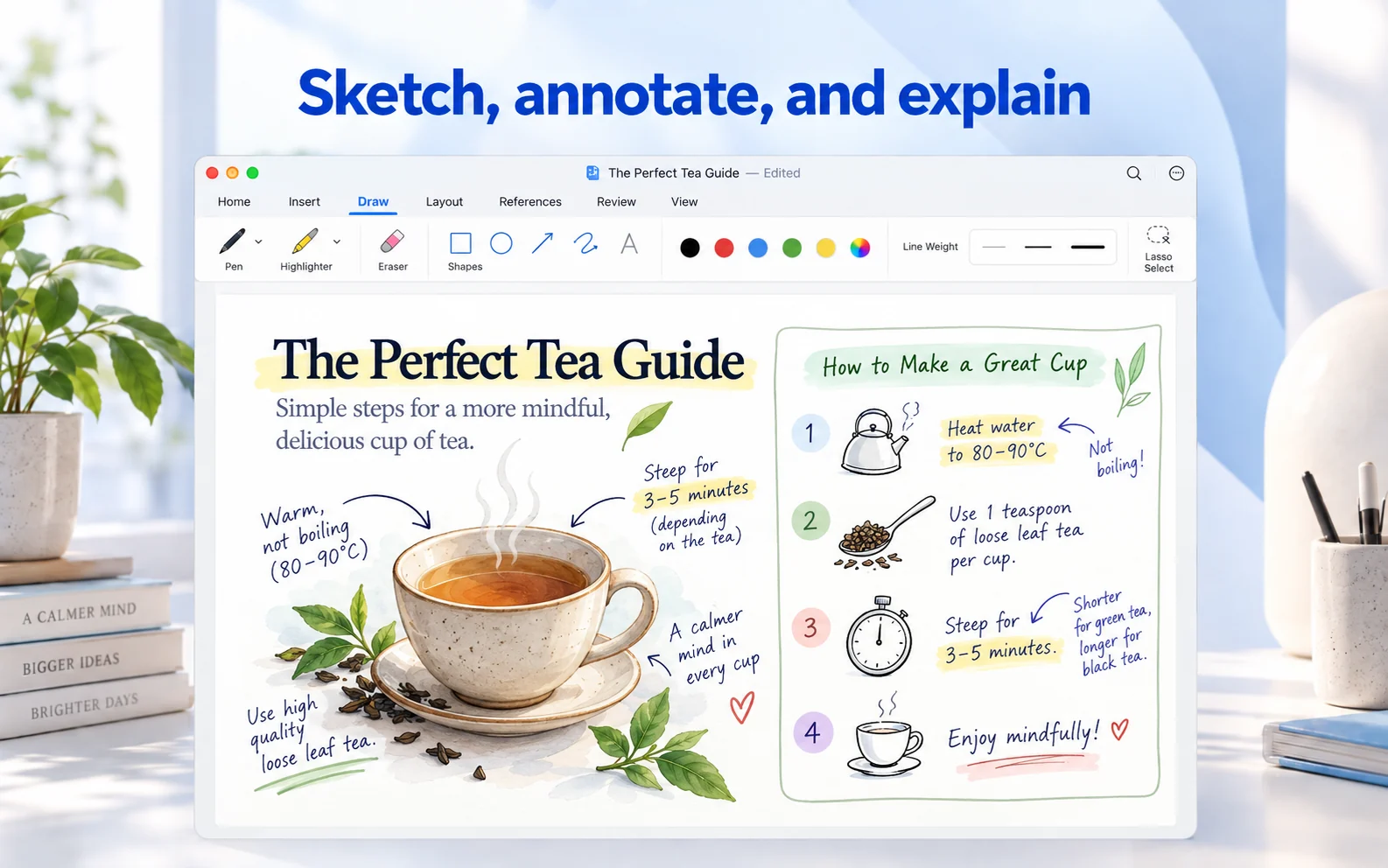
WRITER · INK + AI
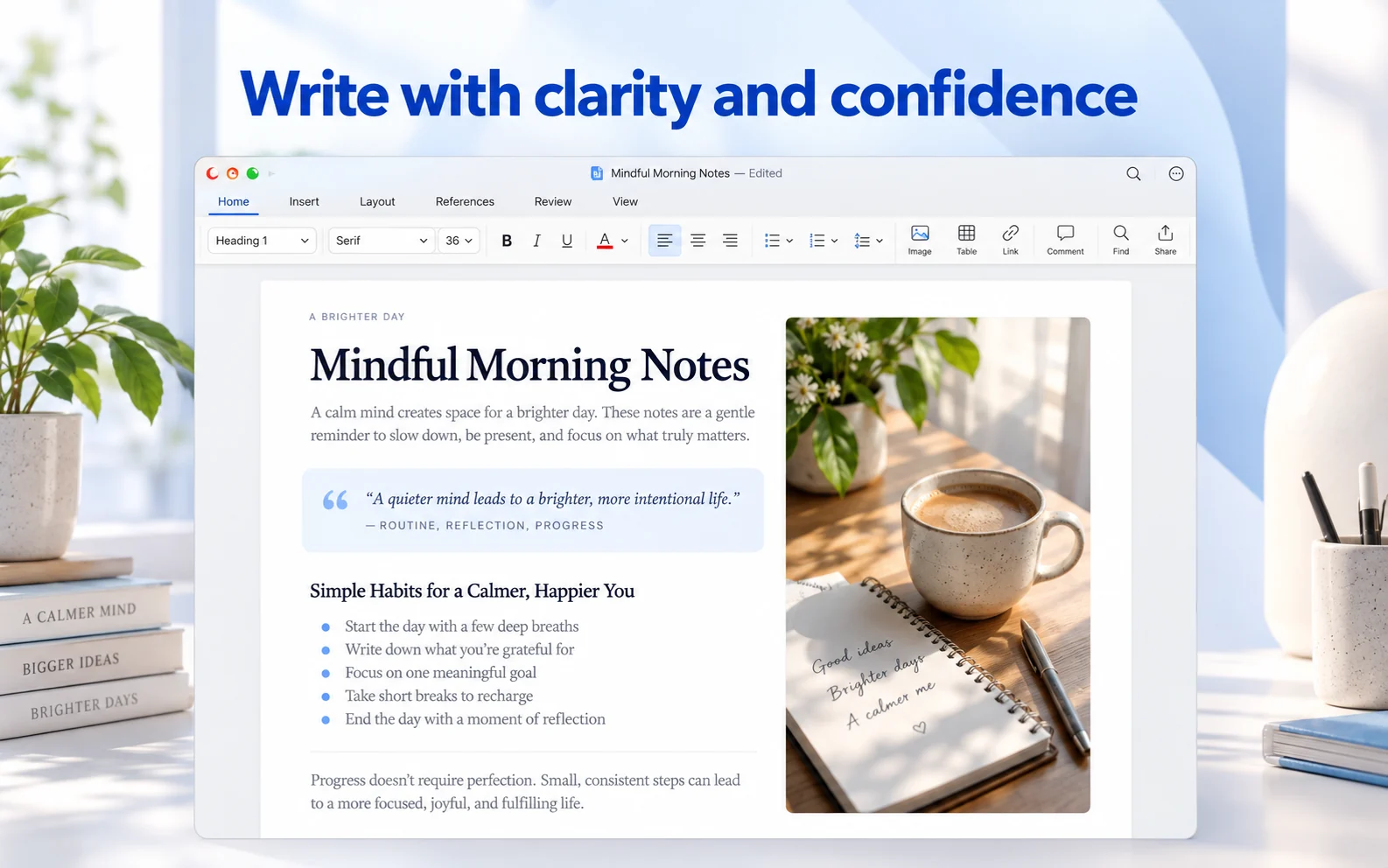
WriteMax
01 / 09
A familiar Writer foundation, tuned for people who think on the page. Draft, revise, and finish documents with Ink and AI ready in the writing flow.
✓Write and refine full documents
✓Mark up ideas with Ink tools
✓Use AI to help shape a draft
MACAPP SCREENSHOT
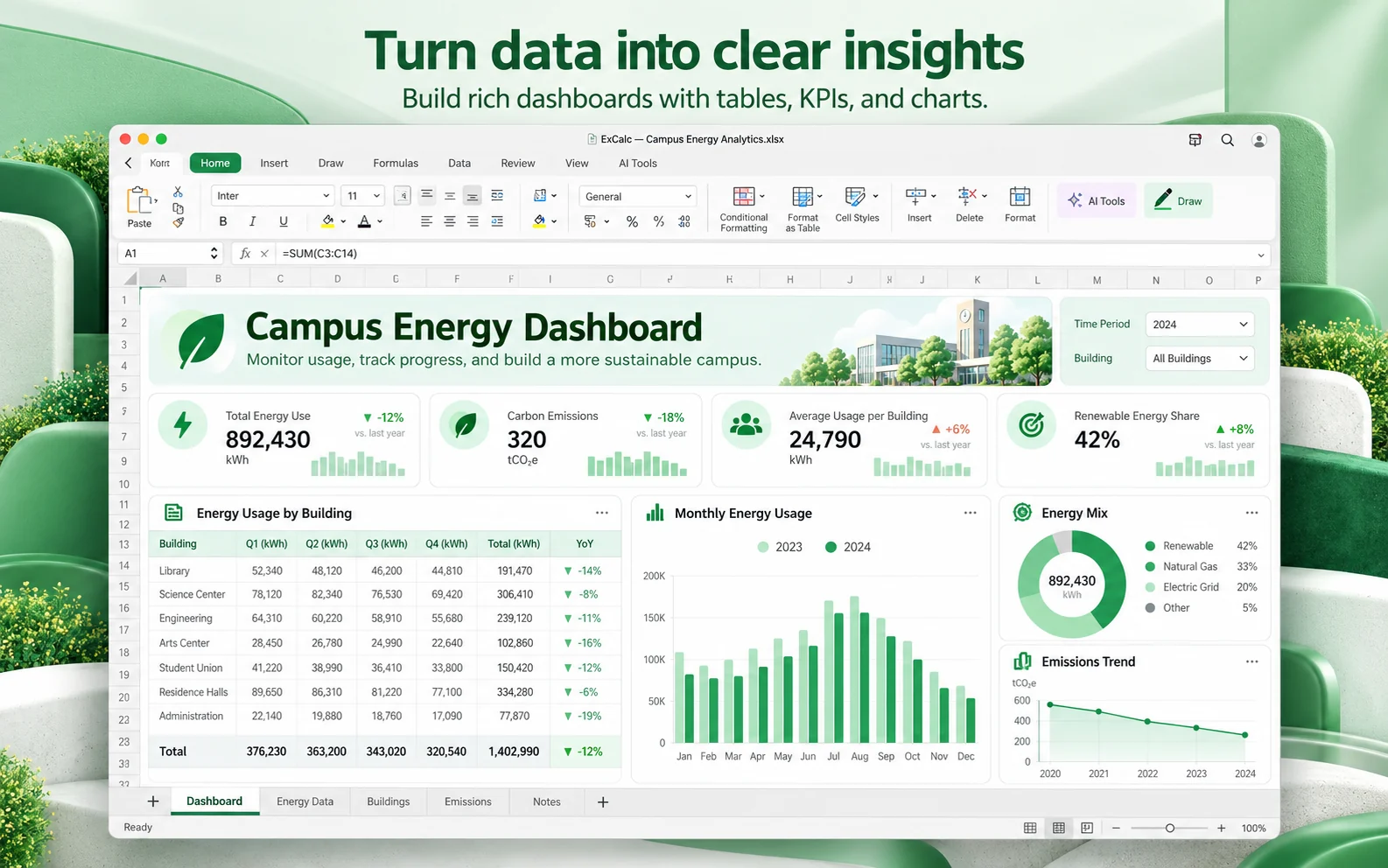
CALC · INK+
Excalc
02 / 09
Make sense of your numbers with a Calc-style spreadsheet. Work across cells and formulas, then use Ink+ to mark up data and ideas as you explore.
✓Build calculations with familiar formulas
✓Sort, filter, and explore spreadsheet data
✓Add Ink marks to your working view
MACAPP SCREENSHOT
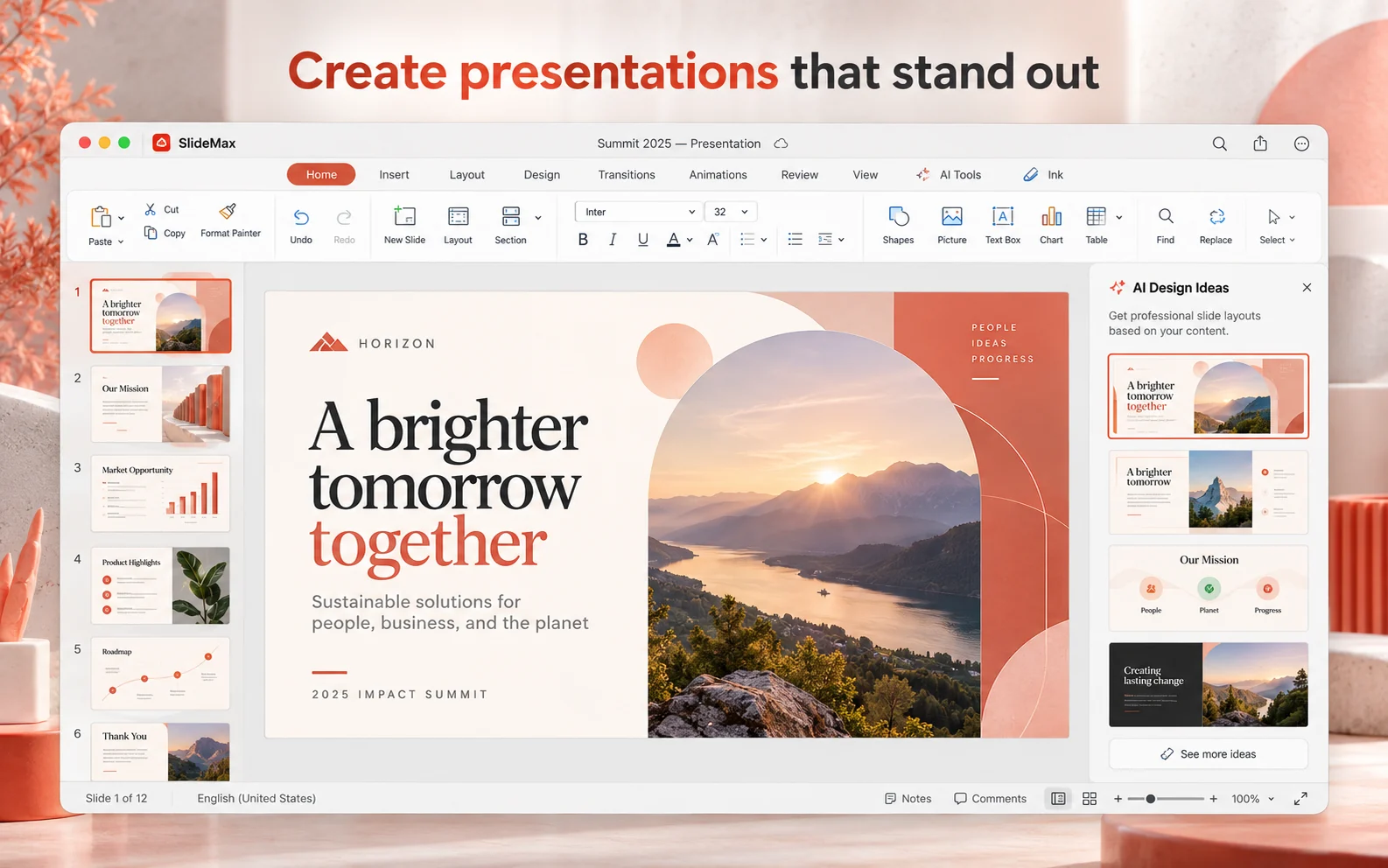
IMPRESS · INK + AI
SlideMax
03 / 09
Shape an idea into a presentation with an Impress-style workflow. Use Ink to sketch or mark up slides, with AI tools alongside the creative process.
✓Create and present polished slide decks
✓Sketch and annotate with Ink
✓Get AI support while developing ideas
MACAPP SCREENSHOT
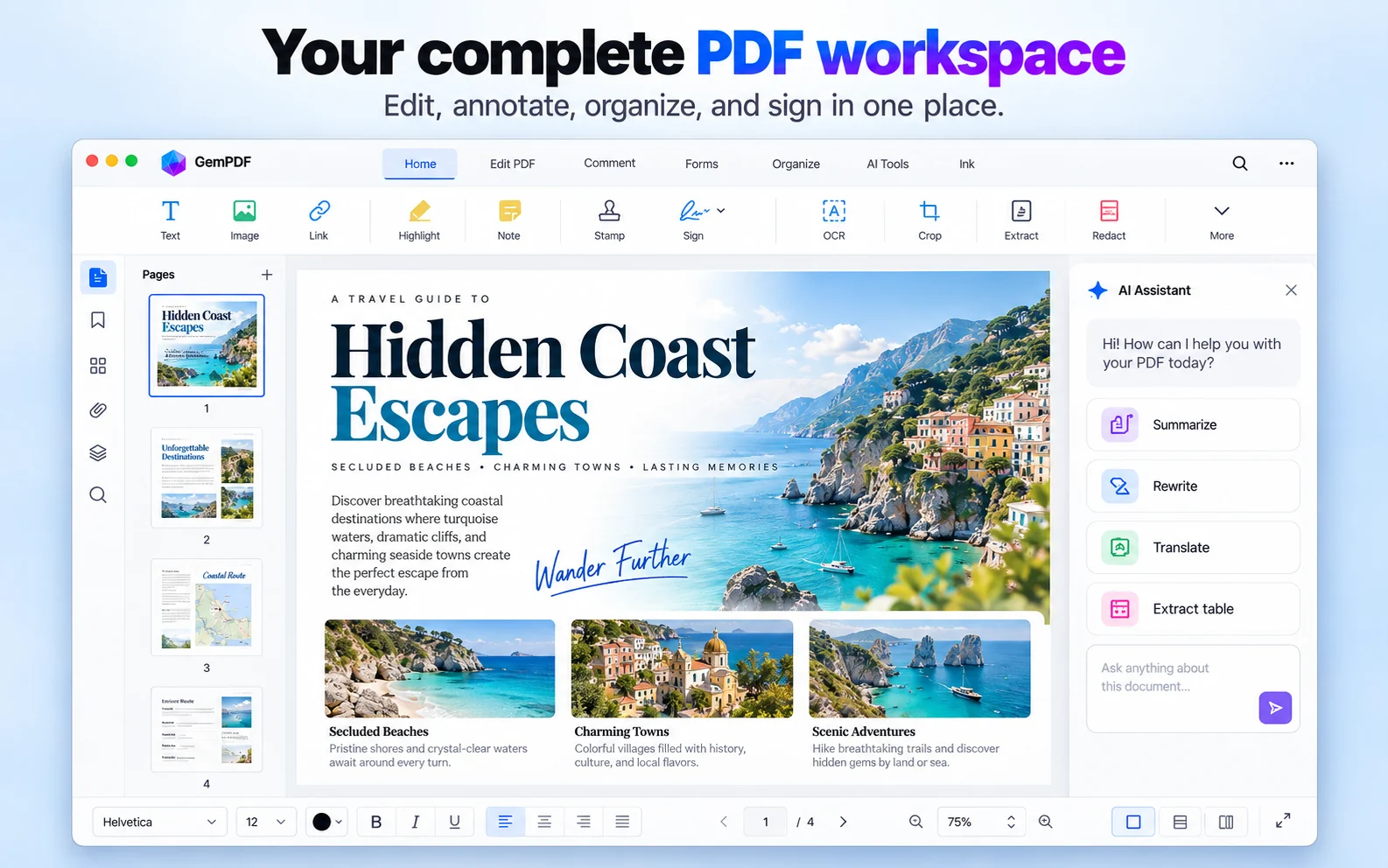
DRAW FOUNDATION · FULL PDF EDITOR
GemPDF
04 / 09
Bring a PDF into a Draw-based workspace, where its page content can be inspected and edited as objects. Add Ink annotations, then make object-level changes to text, images, and more.
✓Import and view PDF page objects
✓Annotate pages with drawing and Ink tools
✓Edit individual objects on the page
MACAPP SCREENSHOT
GEMDRAW · INFINITE CANVAS
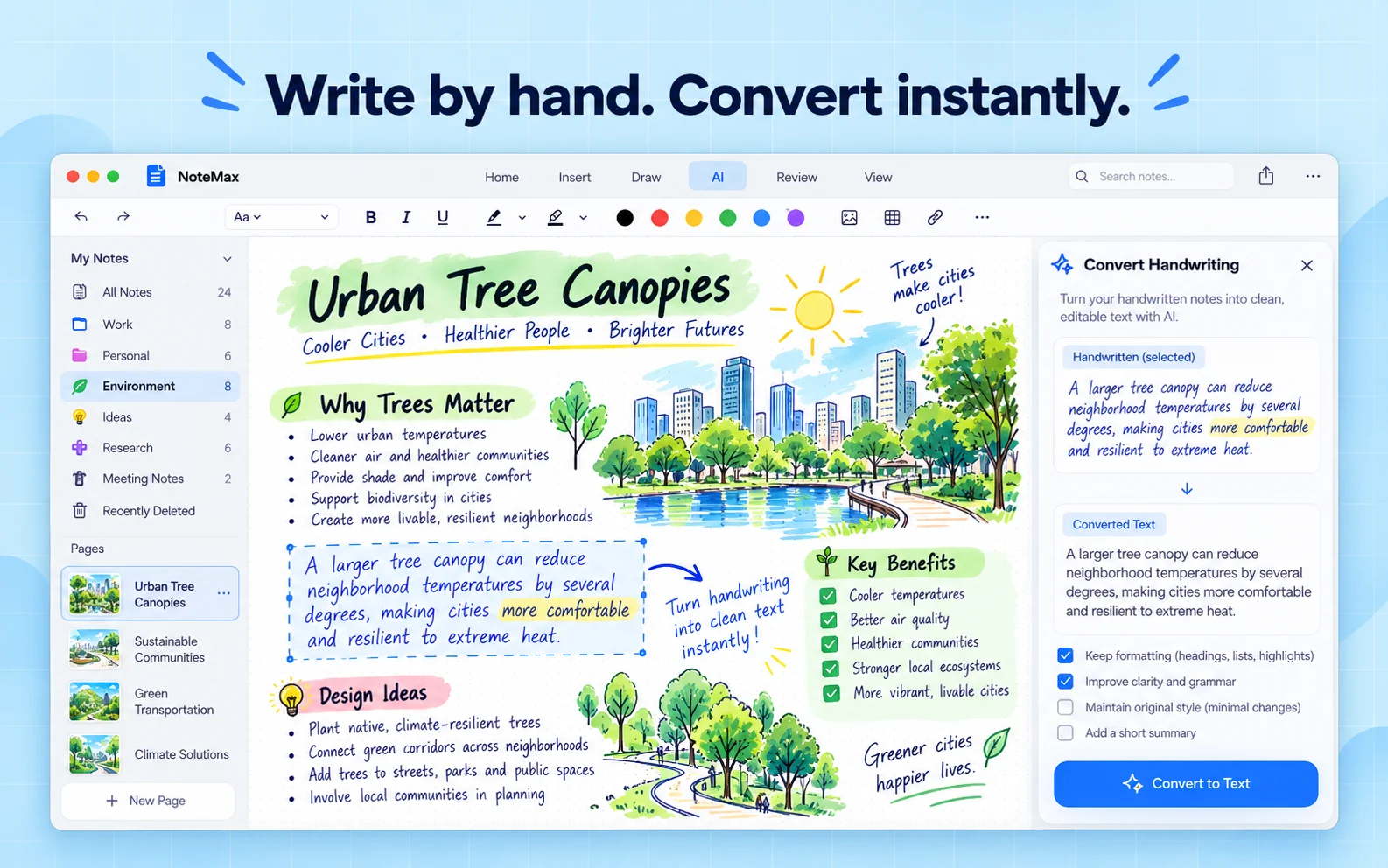
NoteMax
05 / 09
Think across an open-ended workspace. NoteMax builds on GemDraw with an infinite canvas for drawing, notes, and OLE objects.
✓Move freely across an infinite canvas
✓Draw, write, and arrange visual ideas
✓Add OLE objects to the workspace
MACAPP SCREENSHOT
GEMPDF READER · VIEW ONLY
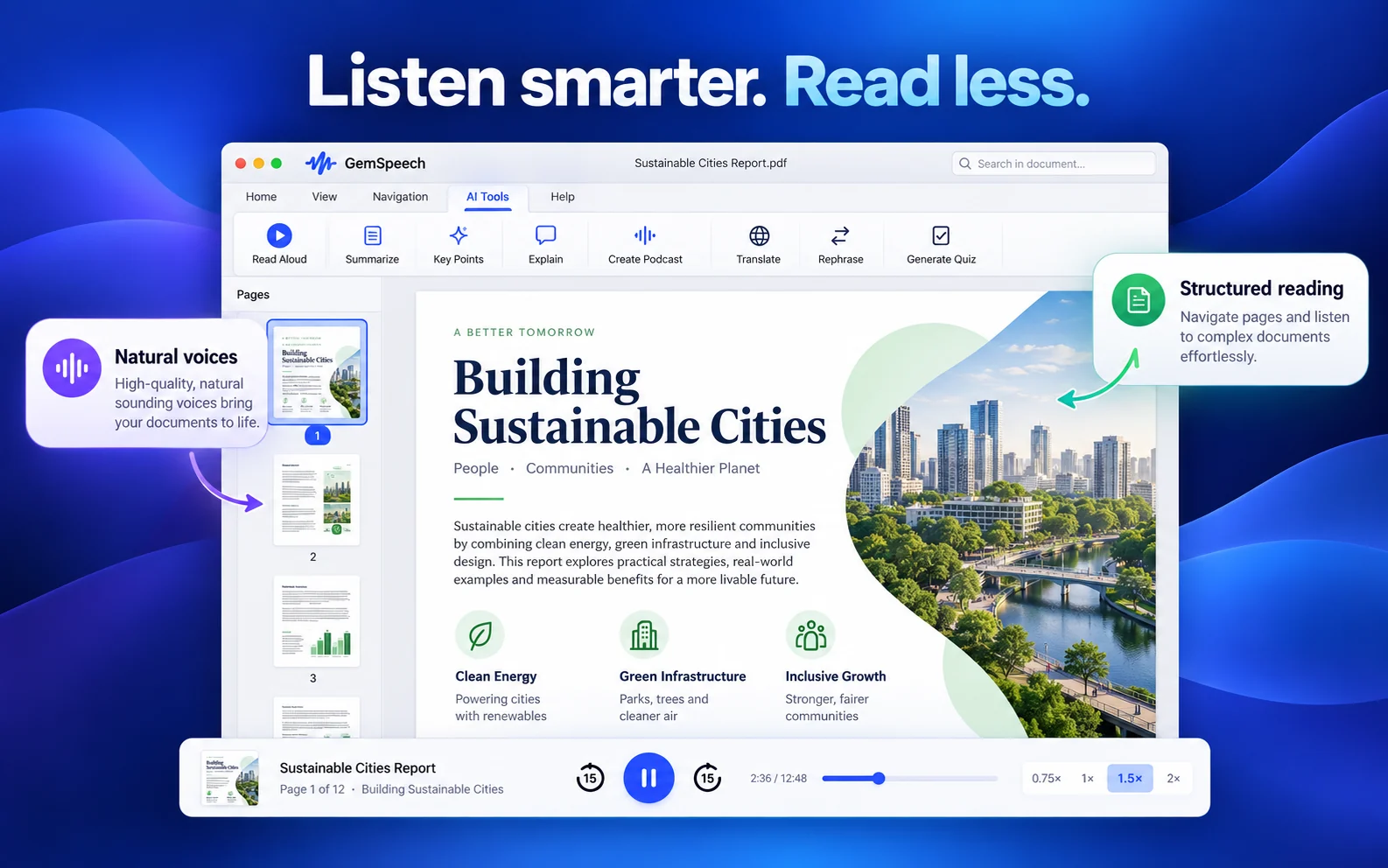
GemSpeech
06 / 09
A GemPDF-based reader designed for listening and language access. Follow PDF content with text-to-speech and translation.
✓Listen to PDF text with speech playback
✓Translate document content
✓Read PDFs in a focused viewer
View only: no PDF object editing, form filling, PDF annotations, or speech-to-text.
MACAPP SCREENSHOT
GEMWORD · WRITER-STYLE
GemScribe
07 / 09
GemWord-style writing for spoken and multilingual workflows. Use AI, dictate, turn speech into text, and translate while shaping a draft.
✓Dictate and transcribe speech into text
✓Translate while you write
✓Use AI to help develop the draft
Focused writing: no OLE objects, shape tools, or macros.
MACAPP SCREENSHOT
π
INK WORK IN PROGRESS
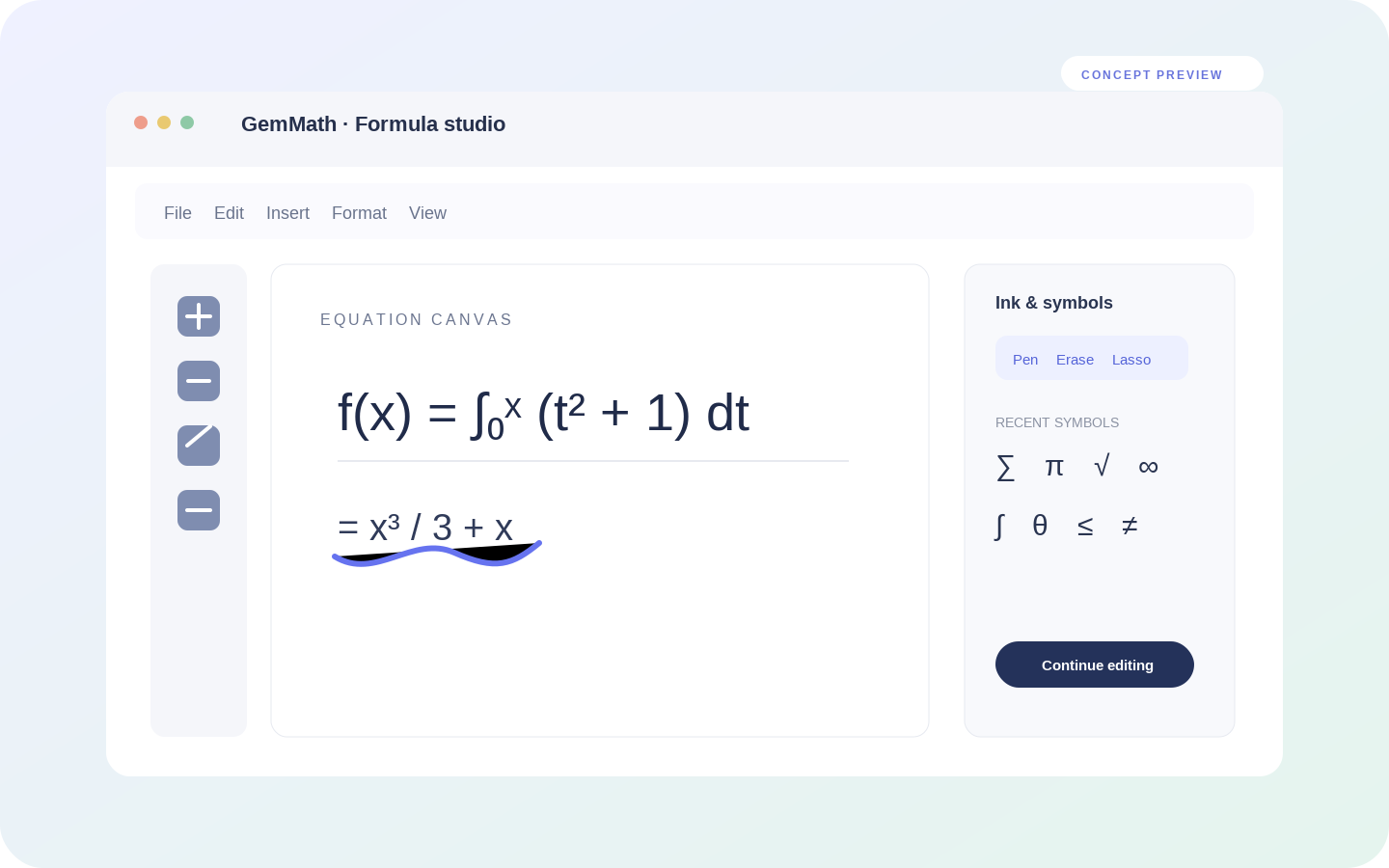
GemMath
08 / 09
Complete the current Ink experience and extend the tools for mathematical writing and working through formulas.
✓Finish the planned Ink capabilities
✓Extend Ink for math-focused work
In development · concept preview
MACUI CONCEPT
DRAW + DRAW.IO WEB VIEW
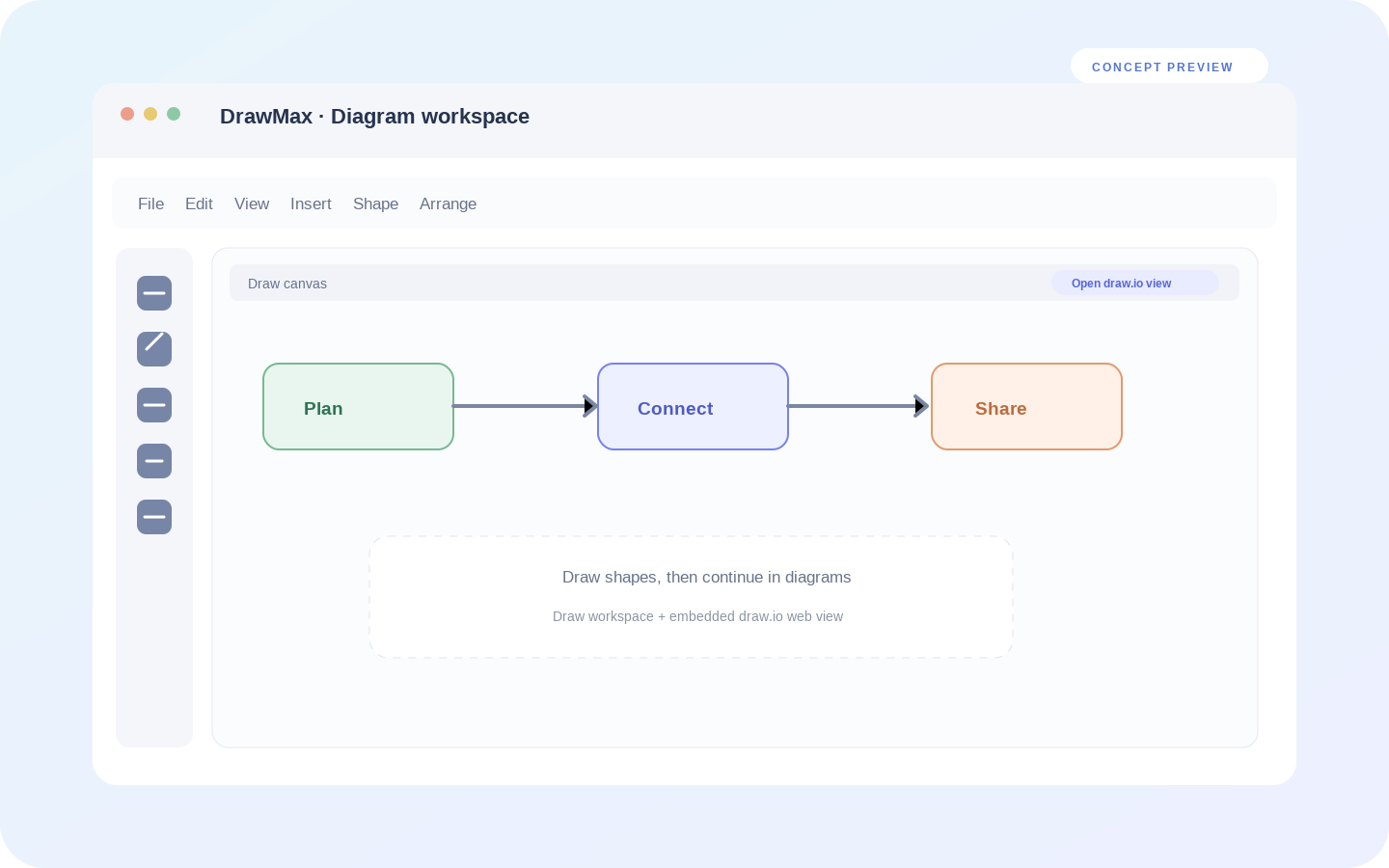
DrawMax
09 / 09
A Draw-based workspace with a draw.io view embedded for diagrams and charts. Move from freeform drawing to connected flows and visual models in one place.
✓Build on familiar drawing tools
✓Open draw.io in an embedded web view
✓Create charts, diagrams, and workflows
Design concept preview
MACUI CONCEPT
A BETTER FIT FOR THE TASK
Start with what’s familiar. Make it your own.
OfficeMax starts with familiar workflows, then gives every app a clearer purpose and its own set of tools.